

THIS PROJECT IS CURRENTLY IN ALPHA. IF YOU ENCOUNTER ANY ERRORS/BUGS, I HIGHLY RECOMMEND REPORTING IT ON THE GITHUB PAGE, ESPECIALLY IF NO ONE ELSE HAS YET.

About

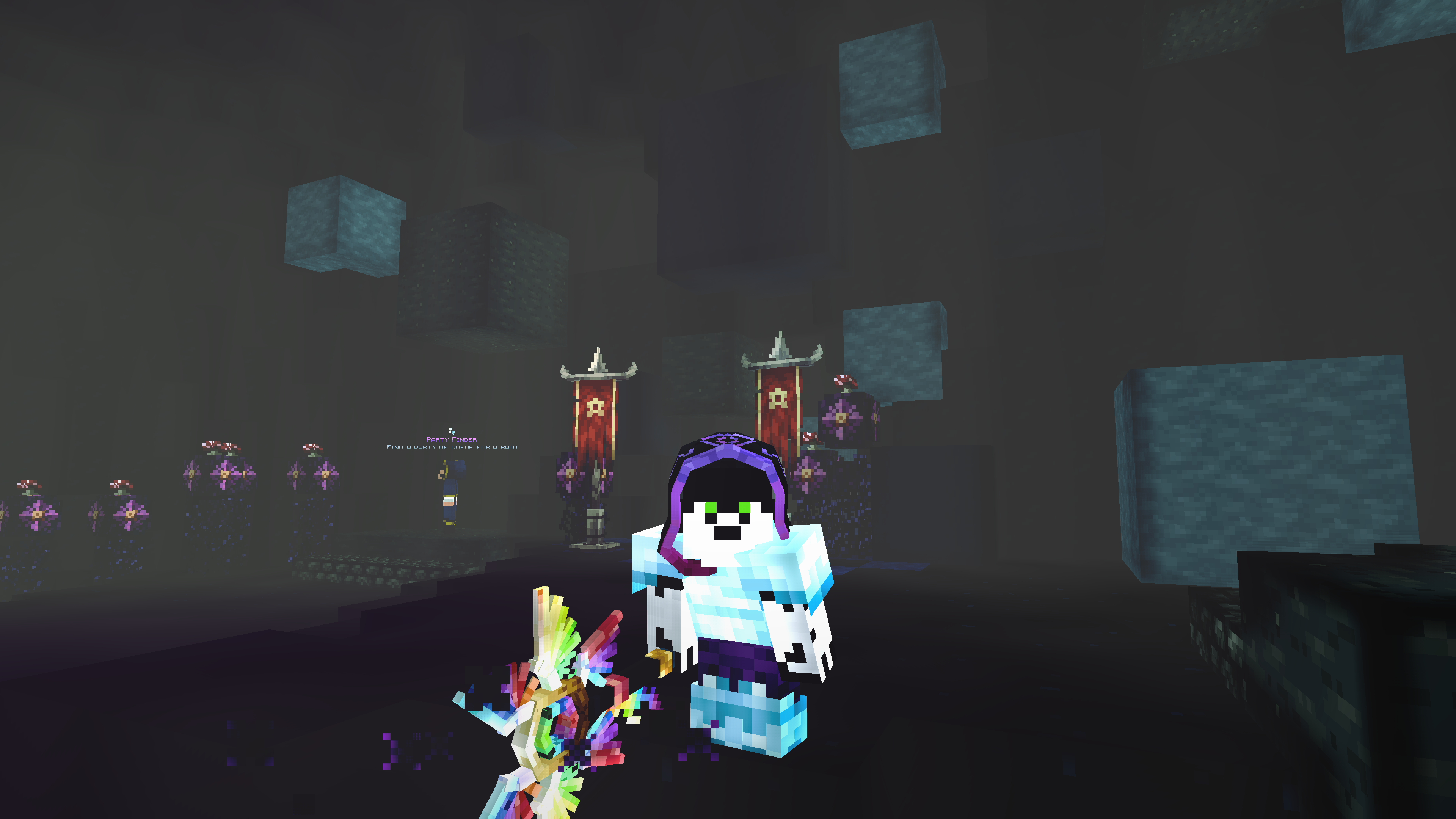
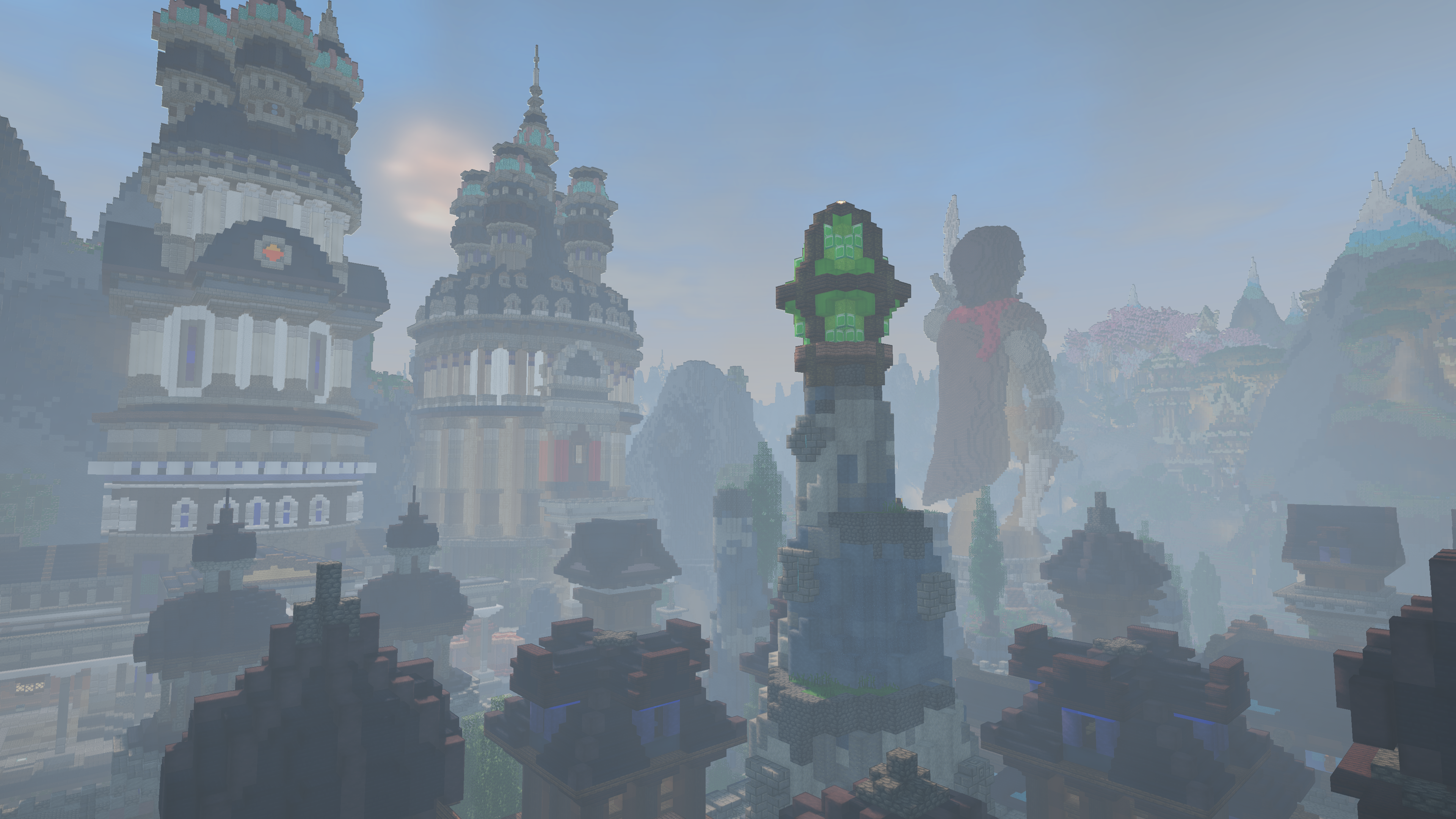
Are you looking to play Wynncraft with shaders, but don't want to compromise on playability or visuals? Nwoof's Wynn Shader is designed with a goal to fulfill that wish at its core. Designed and written based on problems encountered by Wynncraft players regarding shaders, this is the first shader designed with the Wynncraft player's experience in mind.

Features

Shadowmapping

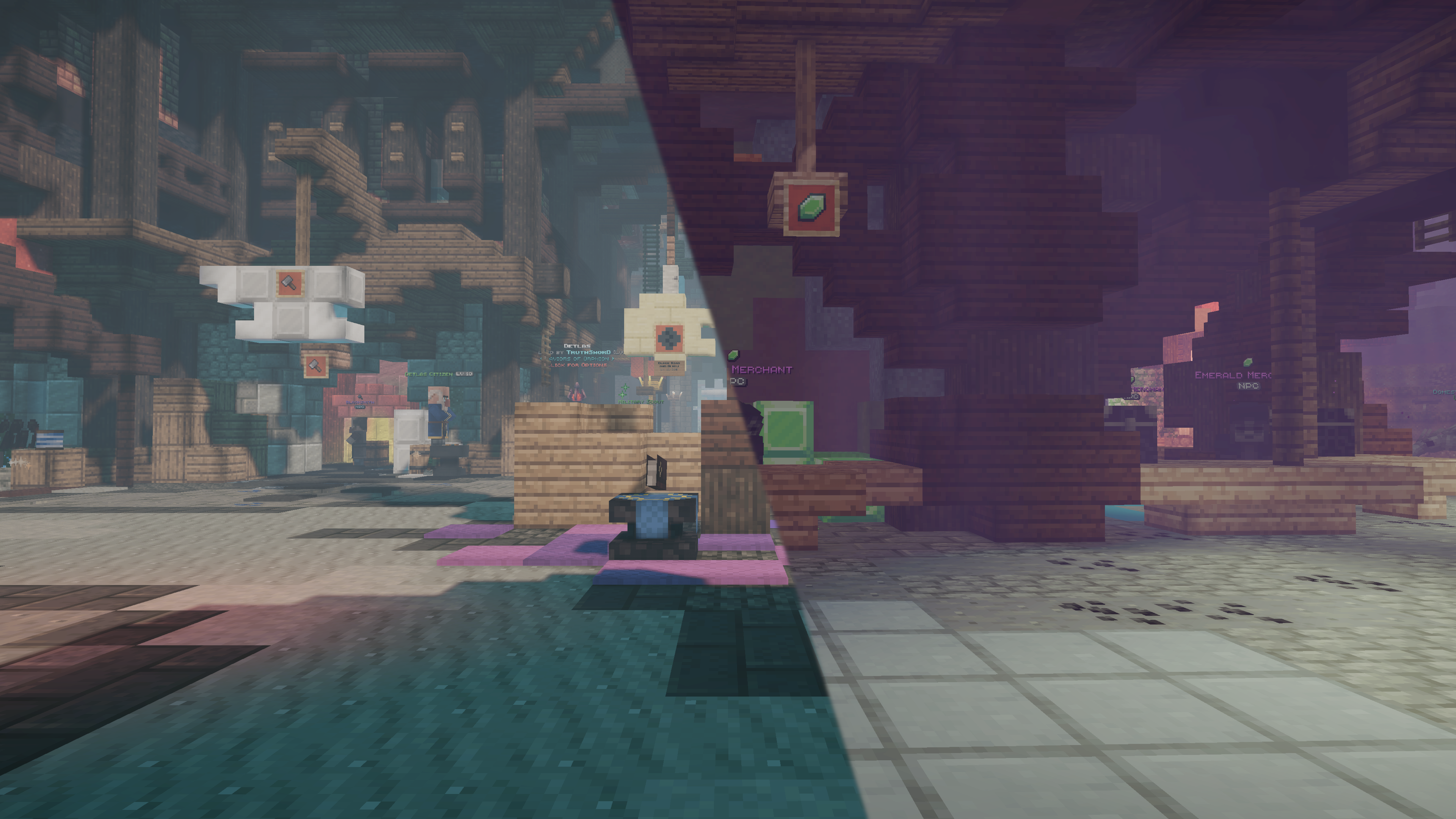
Virtual texture-based shadow system. Provides customization options such as adjustable resolution and culling distance.

Bloom

Simulates a glow effect for added realism to the world's lighting and illumination. The amount of total samples in this effect can be adjusted to provide the right balance of performance and visual quality.

Lighting

The lighting algorithms include Scene-Aware Lighting that adjusts the color of the world's lighting based on the original light source, toggleable Path-Traced Global Illumination which simulates the emission and reflection of light rays, and a customizable range for controlling/balancing light levels. There is also Custom Water with Screen Space Reflections and Light Refraction.

Sky

The shader also comes with sky features such as Customizable Sky/Fog/Atmosphere Colors for various times of day, and Volumetric Clouds that adapt to the weather.

Scene-Aware Grading

When travelling throughout the world, the tonemapping and color grading will automatically adjust to a scheme which is appropriate for your location.

Mod Support

Nwoof's Wynn Shader has integrated support for mods like Wynncraft Dynamic Weather, Distant Horizons, and Physics Mod.


Additional Links

  • Bluesky - This is my Bluesky account. I announce feature updates and milestones here.

Disclaimer

Nwoof's Wynn Shader is in no way affiliated with Wynncraft or any of the supported mods. Do not send them any bugs related to my shader, instead send them directly to me.

Download

System Requirements

Minimum Specifications

Medium Preset, 1920x1080@30FPS

CPUIntel Core i5-9400/AMD Ryzen 5 2600
GPUNVIDIA GeForce GTX 1660/AMD Radeon RX 580
RAM16GB DDR4

Recommended Specifications (Casual)

High Preset, 1920x1080@60FPS

CPUIntel Core i5-10400/AMD Ryzen 5 3600
GPUNVIDIA GeForce GTX 1660 Super/AMD Radeon RX 5600 XT
RAM16GB DDR4

Recommended Specifications (Regular)

High Preset, 1920x1080@144FPS

CPUIntel Core i5-11400/AMD Ryzen 5 5600
GPUNVIDIA GeForce RTX 2060 Super/AMD Radeon RX 6600
RAM16GB DDR4

Recommended Specifications (Serious)

High Preset, 2560x1440@60FPS

CPUIntel Core i5-12400/AMD Ryzen 5 5600
GPUNVIDIA GeForce RTX 3060 Ti/AMD Radeon RX 6700 XT
RAM16GB DDR4

Recommended Specifications (Sweaty)

High Preset, 2560x1440@144FPS

CPUIntel Core i5-12600k/AMD Ryzen 5 7600
GPUNVIDIA GeForce RTX 3080/AMD Radeon RX 6800 XT
RAM32GB DDR5

Recommended Specifications (Pro)

High Preset, 3840x2160@60FPS

CPUIntel Core i5-12600k/AMD Ryzen 5 7600
GPUNVIDIA GeForce RTX 4080 Super/AMD Radeon RX 7900 XT
RAM32GB DDR5

Recommended Specifications (Elite)

High Preset, 3840x2160@144FPS

CPUIntel Core i5-12600k/AMD Ryzen 7 7600x
GPUNVIDIA GeForce RTX 4090/AMD Radeon RX 7900 XTX
RAM32GB DDR5

Frequently Asked Questions

Q: Why is the shader so dark/bright?
A: The optimal/preferred light levels can vary from person to person. If you feel the shader is too dark/bright, adjust the minimum/maximum light.
Q: Why is the fog so strong?
A: The default fog settings are set for my personal taste. If you'd prefer something different, you can change the fog's settings.